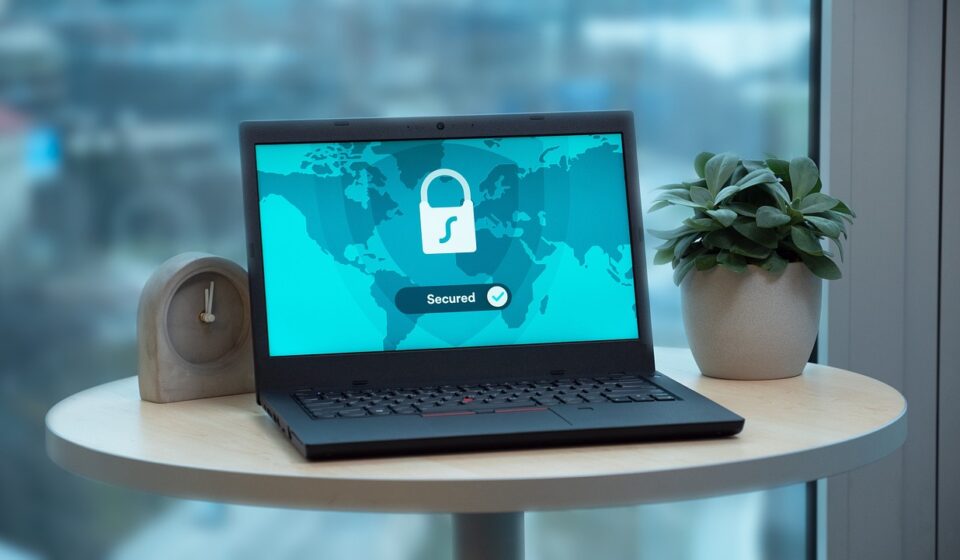
When you use the internet without a VPN, your data travels openly from your device to your Internet Service Provider (ISP), and then to the websites or services you visit. Along this route, anyone with access to the network can see exactly what you are doing. A VPN changes this path by creating a private digital tunnel for your data, turning your readable web activity into scrambled code.
How a virtual private network works
To understand what a VPN does, it helps to look at the process in three simple steps. First, when you turn on a VPN application, it establishes an encrypted connection between your device and a server run by the VPN provider. This server can be located in your city or thousands of miles away in another country. Second, all the data leaving your device goes through this encrypted tunnel. Even if a bad actor on your network intercepts your data, they will only see unreadable gibberish. This is crucial for keeping passwords, banking details, and private messages secure. Third, the VPN server forwards your web request to the destination website. Because the request comes from the VPN server and not your device, the website only sees the IP address of the VPN server. Your actual IP address, which reveals your physical location and internet provider, remains completely hidden.
The primary benefits of using a VPN
While the underlying technology is complex, the practical reasons to use a VPN are straightforward. I find that most people set up a VPN for one of three main purposes.
Securing your connection on public Wi-Fi
Public Wi-Fi networks in coffee shops, airports, and hotels are incredibly convenient, but they are also notoriously insecure. Hackers can easily set up fake networks or monitor unsecured traffic on public routers to steal personal information. Using a VPN on public networks ensures that even if someone intercepts your connection, your sensitive data remains fully encrypted and out of reach.
Keeping your browsing private from your ISP
Your internet service provider has a front-row seat to your online life. In many countries, ISPs are legally allowed to track your browsing history and sell that data to advertising companies. When you use a VPN, your ISP can only see that you are connected to a secure server. They cannot see which websites you visit, what you search for, or what you download.
Testing websites from different global locations
For developers, web designers, and digital marketers, a VPN is an essential testing tool. By routing your connection through a server in another country, you can see how your website loads for users in that region, check if localized pricing displays correctly, or verify that your global content delivery network is functioning as intended.
What a VPN does not do
While a VPN is a powerful tool for privacy, there are many misconceptions about what it actually protects. It is not a complete security solution, and believing it solves every privacy issue can leave you vulnerable.
It does not protect you from malware or phishing
A VPN secures the pipeline through which your data travels, but it does not scan the files you download. If you download a malicious file or click a link in a phishing email that asks you to type in your bank password, a VPN will not stop you from being compromised. You still need active antivirus software and cautious browsing habits to stay safe.
It does not make you completely anonymous
Hiding your IP address is not the same as being invisible. If you connect to a VPN and then log into your personal Google, Amazon, or Facebook account, those companies still know exactly who you are and will track your actions within their platforms. Similarly, websites can use advanced tracking techniques like browser fingerprinting, which identifies your device based on your browser settings and installed fonts rather than your IP address.
It does not speed up your internet connection
Because a VPN adds an extra step to your connection path and encrypts all your data, it will usually slow down your internet speed slightly. Modern VPN protocols have minimized this lag, but you should expect a small drop in download speeds, especially if you connect to a server on the other side of the world.
How to choose a secure VPN
Not all VPNs are created equal. Since you are trusting a VPN provider with all of your internet traffic, I recommend keeping a few critical criteria in mind when choosing a service.
- A strict no-logs policy: Ensure the provider does not keep records of your browsing history or IP addresses. Look for services that have undergone independent, third-party audits to prove their claims.
- Modern connection protocols: Look for VPNs that offer modern protocols like WireGuard or OpenVPN. These protocols provide the best balance of fast speeds and strong encryption standards.
- Avoid untrustworthy free services: Running a network of servers is expensive. If a VPN service is free, they are likely making money by logging your browsing habits and selling that data to advertisers. In my opinion, it is always worth paying a small monthly fee for a reputable, paid service rather than risking your privacy with a free provider.