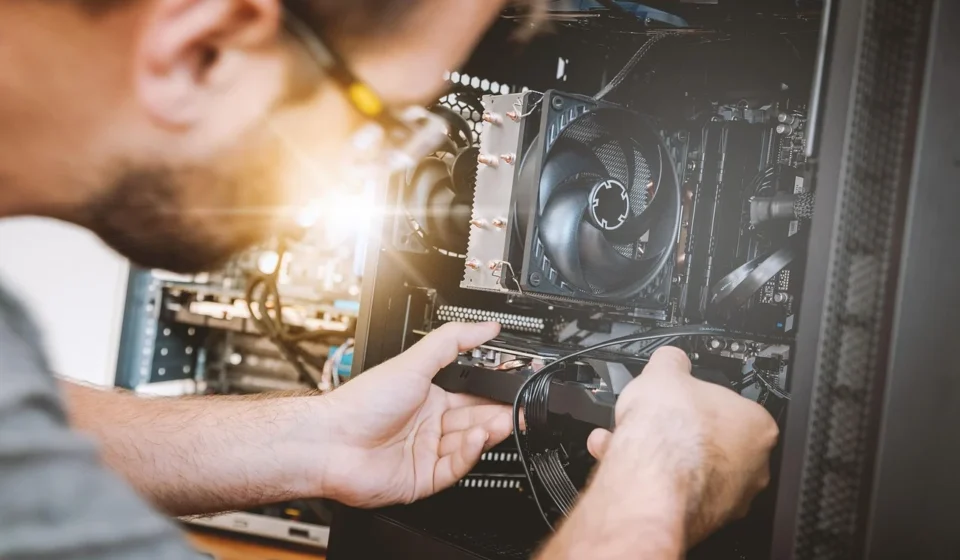
Motherboard repair involves diagnosing electrical faults on a computer circuit board and replacing individual failed components like capacitors, MOSFETs, and power controller chips rather than buying an entire new board. By using precise micro-soldering and schematic tracing, skilled technicians can resolve liquid damage, short circuits, and power delivery failures for a fraction of full replacement cost.
When a computer stops powering on, fails to boot, or exhibits erratic behavior, many service centers recommend replacing the entire motherboard. For modern laptops and high-end desktop systems, a full motherboard swap can cost anywhere from $300 to over $1,000. This often approaches the price of a brand-new device. Component-level motherboard repair offers an alternative pathway, targeting the specific chip, diode, or capacitor that failed while preserving the surrounding functional hardware.
Understanding how motherboard repair works helps you evaluate whether to fix your hardware, replace the board, or retire the system altogether. Diagnosing circuit boards requires specialized equipment, electrical schematics, and micro-soldering skills, but knowing the underlying mechanics empowers you to make smart financial decisions regarding your computer hardware.
How do you know if a motherboard is failing?
Identifying a motherboard failure requires separating logic board issues from modular component faults like defective memory modules, failing storage drives, or weak power supply units. Motherboards house the primary power distribution network and communication buses, so failures manifest across power, display, and input systems.
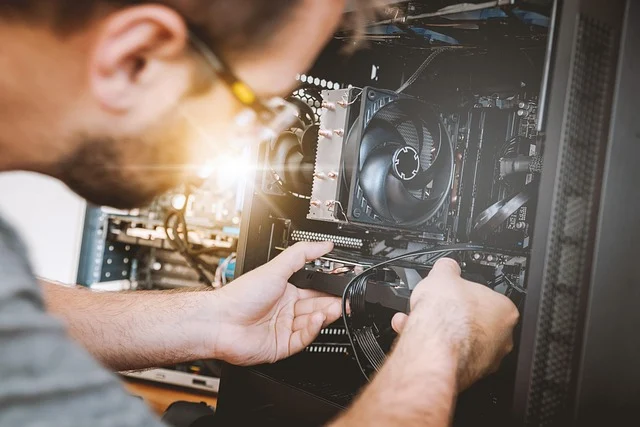
Common symptoms that point directly to motherboard failure include:
- No power response (No S5 state): Pressing the power button yields no fan movement, no indicator lights, and no charging activity when connected to an external charger.
- Power cycling loop (Boot loop): The system powers on for several seconds. It then turns off automatically, and repeats the cycle indefinitely without reaching the Power-On Self-Test (POST).
- No display with active fans (Failed POST): The cooling fans spin and status lights illuminate, but the monitor displays no image, even when connected to a known-good external monitor and GPU.
- Charging circuit breakdown: Laptops fail to acknowledge the AC adapter or refuse to pass power to the battery, often accompanied by excessive heat near the DC jack or charging controller IC.
- Peripheral controller failure: Integrated components like USB ports, Wi-Fi cards, onboard audio jacks, or Ethernet controllers stop functioning simultaneously. This is due to a damaged chipset or bus controller.
- Unprovoked kernel panics and blue screens: Random system crashes occur under stable thermal conditions, often caused by degraded smoothing capacitors near the CPU Voltage Regulator Module (VRM).
Visual indicators on the board itself provide immediate confirmation of damage during disassembly:
- Bulging or leaking electrolytic capacitors: Raised tops or dried crusty residue around cylindrical capacitors indicate internal dielectric breakdown.
- Burnt traces and scorched ICs: Dark spots, small pinhole craters, or melted casing on surface-mount Integrated Circuits (ICs) point to overcurrent burnouts.
- Green or white corrosion crust: Oxidation buildup near copper traces and surface-mount pads indicates past liquid intrusion.
How is motherboard diagnosis performed?
Accurate motherboard repair depends entirely on methodical diagnostic isolation. Hundreds of components share interconnected power rails. A single shorted capacitor can pull down an entire power domain and disable the system.
1. Visual inspection and minimal bench testing
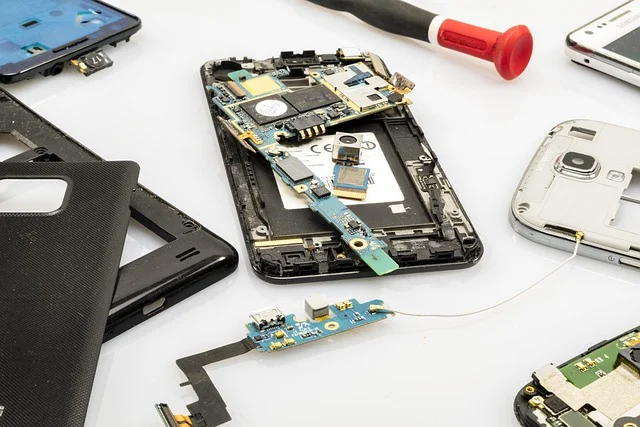
Technicians begin by removing the motherboard from the chassis to eliminate short circuits caused by bent standoffs or pinched chassis wires. The board is inspected under a high-power optical stereo microscope to identify physical cracks, burnt component packages, or corroded solder joints. Minimal boot testing follows, connecting only the CPU, one RAM stick, power supply, and display output to isolate external hardware conflicts.
2. Power rail resistance measurements
Before applying external voltage, a technician uses a digital multimeter set to resistance or diode mode to measure resistance to ground across all major power rails. Key rails checked on standard motherboards include:
- Primary voltage rail (VBUS / 19V on laptops, 12V on desktops): Supplies power to high-draw switching converters.
- Always-on standby rails (3.3V_ALW and 5V_ALW): Powers the Embedded Controller (EC) and power-management state machines.
- Memory rail (VDDQ): Supplies power to the system RAM controller and slots (typically 1.1V to 1.35V).
- Core power rails (VCORE / VCCIN): High-current, low-voltage (0.8V to 1.2V) lines powering the CPU and GPU cores.
A resistance reading near 0 ohms on a high-voltage rail signals a dead short to ground, which must be resolved before powering on the board.
3. Power injection and thermal locating
When a dead short is identified on a power rail, technicians use a regulated DC bench power supply to inject a low voltage (typically 1V) into the shorted rail while limiting current. Because a shorted component converts electrical current directly into thermal energy, the defective part rapidly heats up.
Technicians pinpoint the failing part by scanning the PCB with a thermal imaging camera or applying quick-evaporating isopropyl alcohol to the board surface and watching which component boils off the liquid first.
4. Schematic analysis and boardview tracking
Complex diagnostics require manufacturer schematics and digital boardview files. Schematics detail the precise electrical connections, component values, and sequence of enable signals required for the power-up sequence (such as PM_SLP_S3_L signals). Boardviews map every pin, trace, and component position on the physical board, allowing technicians to locate buried test points and measure trace continuity.
5. Signal integrity testing with oscilloscopes
For intermittent crashes or boards that turn on without video, a digital storage oscilloscope tests high-frequency clock signals, such as the 32.768 kHz Real-Time Clock (RTC) crystal oscillator, and checks pulse-width modulation (PWM) switching waveforms on VRM phase inductors. Clean, distortion-free square waves confirm proper power phase regulation.
What does component-level motherboard repair involve?
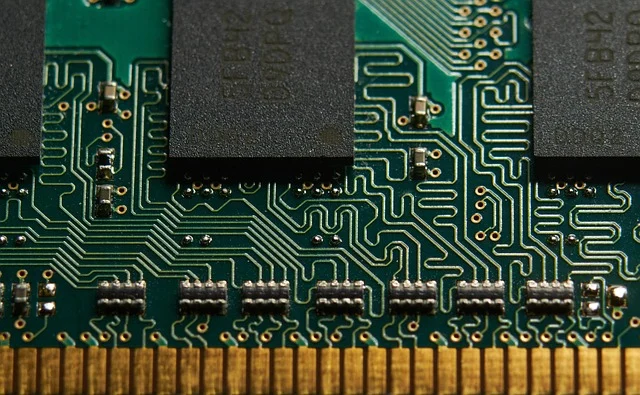
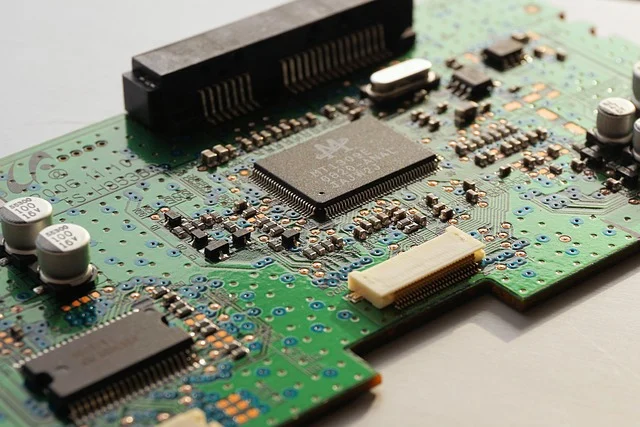
Component-level repair replaces specific failed surface-mount devices (SMD) and microchips rather than scrapping the circuit board assembly. This process relies on specialized micro-soldering techniques to handle components as small as 0.4 mm by 0.2 mm (0201 package size).
The essential equipment required for component-level work includes:
- Hot air rework station: Delivers precise, temperature-controlled airflow (typically 350°C to 400°C) to reflow solder under surface-mount chips without scorching adjacent PCB layers.
- Precision soldering iron: Equipped with fine conical or micro-spatula tips for detailed joint touch-ups and wire jumper installations.
- Stereo zoom microscope: Provides optical magnification (7x to 45x) necessary for micro-soldering microscopic pads and inspecting pin bridges.
- No-clean flux and solder wick: Flux removes oxides and ensures smooth solder surface tension, while copper braid wick absorbs excess solder during chip removal.
- Ultrasonic cleaner: Uses high-frequency sound waves suspended in solvent baths to remove flux residue, liquid oxidation, and microscopic debris beneath ball grid array (BGA) packages.
Component-level repairs target individual failed circuit elements. Technicians regularly replace failed power MOSFETs in multi-phase VRMs, dried-out ceramic decoupling capacitors, charging control ICs (like ISL or BQ series chips), logic level shifters, and programmable BIOS flash chips. Restoring these individual elements restores complete circuit functionality across the logic board.
How to fix common motherboard failures step by step
Resolving a shorted power rail
- Disconnect all power sources, CMOS battery, and external cables.
- Locate the shorted rail by measuring resistance to ground at major power inductors with a multimeter.
- Connect the negative lead of a DC bench power supply to motherboard ground and the positive lead to the affected rail’s inductor output pad.
- Set the bench power supply voltage to 1.0V and slowly raise current limit to 2A while monitoring the board with thermal paper, isopropyl alcohol, or a thermal camera.
- Identify the failing component (usually a cracked surface-mount ceramic capacitor or shorted high-side MOSFET) heating up rapidly.
- Apply flux and use a hot air station set to 380°C to lift the shorted component off the pads.
- Re-measure resistance to ground on the rail to confirm the short has cleared (resistance should rise from 0 ohms to several kilohms or megohms).
- Clean the pads with solder wick, apply fresh solder, and install a matching replacement component from a donor board or component supplier.
Repairing liquid corrosion damage
- Remove all thermal pads, shields, and stickers from the motherboard.
- Scrub heavily corroded regions with a soft anti-static brush and 99% anhydrous isopropyl alcohol to clear green copper oxide crust.
- Submerge the board in an ultrasonic cleaner filled with specialized PCB cleaning solution for 10–15 minutes at 50°C.
- Rinse the board with pure isopropyl alcohol to displace water residue and dry thoroughly in a PCB baking oven at 65°C for two hours.
- Inspect affected traces under a microscope. Micro-scrape damaged solder mask off broken copper traces using a precision scalpel.
- Solder ultra-fine enamel-coated copper wire (36 AWG to 40 AWG) across broken traces to bridge severed electrical connections.
- Apply UV-curable solder mask resin over repaired traces and cure with a 365nm ultraviolet light lamp to prevent future oxidation.
Reprogramming a corrupted BIOS chip
- Locate the 8-pin SPI flash EEPROM chip containing system firmware (such as Winbond or MXIC chips).
- Attach a SOIC-8 test clip to the chip in-circuit, or desolder the chip using hot air if in-circuit reading fails due to bus interference.
- Connect the programmer (e.g., CH341A or SVOD programmer) to a secondary repair computer.
- Read and save a full dump of the corrupted BIOS binary to preserve original system configuration parameters (like DMI data, serial numbers, and Windows license keys).
- Download the official factory BIOS file, edit in the original DMI region using a hex editor, and clear the Management Engine (Intel ME / AMD PSP) region if necessary.
- Erase the EEPROM chip, write the reconstructed binary file, and verify checksum integrity.
- Resolder the chip to the board (if removed) and test the power-on initialization sequence.
Should you repair or replace a failed motherboard?
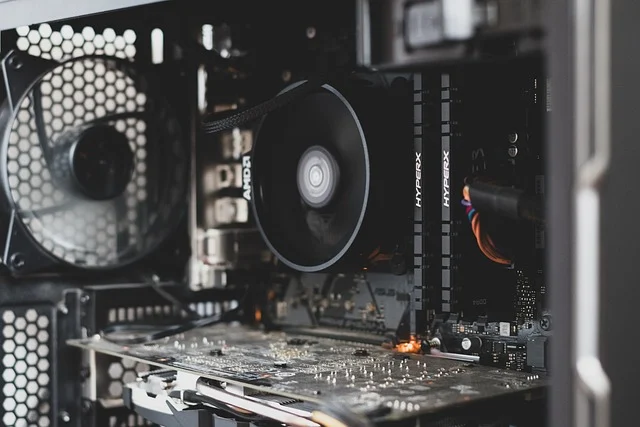
Deciding between component repair, full motherboard replacement, or purchasing a new computer depends on hardware age, system tier, labor costs, and component availability. The table below outlines the practical tradeoffs involved in each path:
| Factor | Component-Level Repair | Motherboard Swap (Replacement) |
|---|---|---|
| Average Cost | $150 – $450 (labor + minor parts) | $300 – $900+ (board purchase + labor) |
| Turnaround Time | 5 to 14 business days (diagnostics + soldering) | 2 to 7 business days (part delivery + assembly) |
| Data Preservation | Very High (original board drives intact) | Moderate (depends if storage is soldered) |
| Technical Skill Needed | Advanced (micro-soldering, schematics) | Intermediate (disassembly, cable routing) |
| Warranty Provided | 30 to 90 days on repaired circuit | 1 to 3 years (if buying brand new board) |
| Eco-Friendly Value | Maximum (prevents total board e-waste) | Moderate (disposes old complete board) |
Repairing a motherboard is usually worth it under these specific conditions:
- High-end or modern laptops: Premium ultrabooks, MacBooks, and gaming laptops often feature integrated CPUs, GPUs, and soldered RAM. Buying a complete replacement board for these devices frequently costs 60% to 80% of a new laptop. Specialized services like LapFix demonstrate that component repair can fix dead boards for a fraction of the cost of total system replacement.
- Preserving hard-to-find system software: Industrial equipment or workstations running legacy software tied to specific hardware configurations benefit immensely from repairing the existing board rather than changing system IDs.
- Data recovery on soldered storage: Modern laptop designs often solder solid-state storage directly onto the logic board. If the board dies, repairing the primary power rails is the only way to boot the board and recover stored user data without losing files.
Replacing the motherboard is a better choice when:
- Standard desktop PCs: Modular ATX, Micro-ATX, or Mini-ITX desktop boards are inexpensive and widely available off the shelf. Swapping a standard $120 desktop board takes an hour and avoids labor fees associated with multi-hour schematic troubleshooting.
- Severe structural board damage: If liquid corrosion has eaten through internal copper signal layers, or if high-voltage spikes caused catastrophic PCB carbonization across multiple layers, repair becomes unreliable or technically impossible.
- Upgrading older systems: Spending $200 repairing an eight-year-old motherboard yields diminished economic returns. Investing that money toward a modern platform upgrade delivers substantial computing gains and overall system performance improvements.
What common mistakes ruin a motherboard repair attempt?
Attempting motherboard repairs without proper training and equipment frequently leads to irreversible physical damage. Avoiding these common mistakes prevents turning a fixable board into scrap iron:
- Reflowing boards with a heat gun: Using a hardware store heat gun to blast a motherboard with uncalibrated hot air melts plastic connectors, warps multi-layer fiberglass, and causes internal solder layers to bridge. It creates short circuits across the entire board while failing to fix microscopic solder joint cracks permanently.
- Incorrect voltage power injection: Injecting 12V into a low-voltage rail (such as a 1.0V CPU core line or 1.1V memory line) immediately destroys the processor or RAM controller. Always start power injection at 0.8V to 1.0V with current limits strictly set.
- Overheating PCB traces during pad preparation: Applying excessive temperature with a broad iron tip or hovering hot air over one spot for too long lifts delicate copper pads off the fiberglass substrate, severing connections to internal board layers.
- Working with residual charge or connected battery: Liquid damage repair attempts made while the battery is plugged in short out active standby rails instantly. Always disconnect battery clips and drain residual board capacitors before probing circuits with metal tools.
- Failing to replace current sensing or gate resistors: Replacing a blown MOSFET without checking its corresponding gate resistor and PWM controller IC often causes the newly installed MOSFET to instantly explode upon power-up due to improper gate drive signals.
Who should perform motherboard repair and who should avoid DIY?
To prevent costly mistakes, match your repair approach to your current skill level and available workbench tools:
Suitable for DIY users:
- Swapping out modular desktop motherboards.
- Clearing CMOS settings by removing the coin-cell battery or shorting clear-CMOS pins.
- Inspecting visible port pins (like USB or HDMI) for physical bends and straightening them gently under magnification.
- Replacing damaged modular daughterboards or external DC power jacks connected via plug-in wiring harnesses.
Requires professional component-level service:
- Micro-soldering surface-mount capacitors, resistors, and small ICs.
- BGA chip reballing or replacing surface-soldered chips (Power Management ICs, EC chips, Thunderbolt controllers).
- Tracing multi-layer PCB short circuits using injection power supplies and boardview files.
- Repairing corroded copper micro-traces caused by liquid spills.
Frequently asked questions
How much does professional component-level motherboard repair cost?
Professional component-level motherboard repair typically costs between $150 and $400 depending on device complexity, hardware type, and failure severity. Complex liquid damage repair or BGA rework on high-end laptops sits at the higher end of that range, but it remains significantly cheaper than a full logic board replacement.
How long does a component motherboard repair take?
A typical component repair takes between 5 and 14 business days. The exact timeframe depends on how long circuit diagnostics take and whether specific donor components or original controller ICs must be ordered from electronic parts distributors.
Can a motherboard with liquid damage always be repaired?
Not always, but the success rate is high if the device is powered off quickly and brought in promptly. The likelihood of a successful repair drops if severe electrolytic corrosion eats away multi-layer trace interconnections or causes high-voltage shorts directly into internal CPU core lines.
Is it safe to bake a dead motherboard in a household oven?
No, baking a motherboard in a home oven is dangerous and ineffective. It releases toxic chemical fumes from plastic connectors and flame retardants into an appliance used for food, while failing to achieve the precise temperature profiles required for reliable solder reflow.
Does motherboard repair delete user files on the storage drive?
Component repair on traditional systems with removable M.2 NVMe or SATA drives does not impact data on the drive. On modern devices with soldered flash storage, successful power rail repair restores board functionality without wiping the integrated storage chips, allowing complete data preservation.